

Tech
Every Traffic Light in Town Turned Green at Once

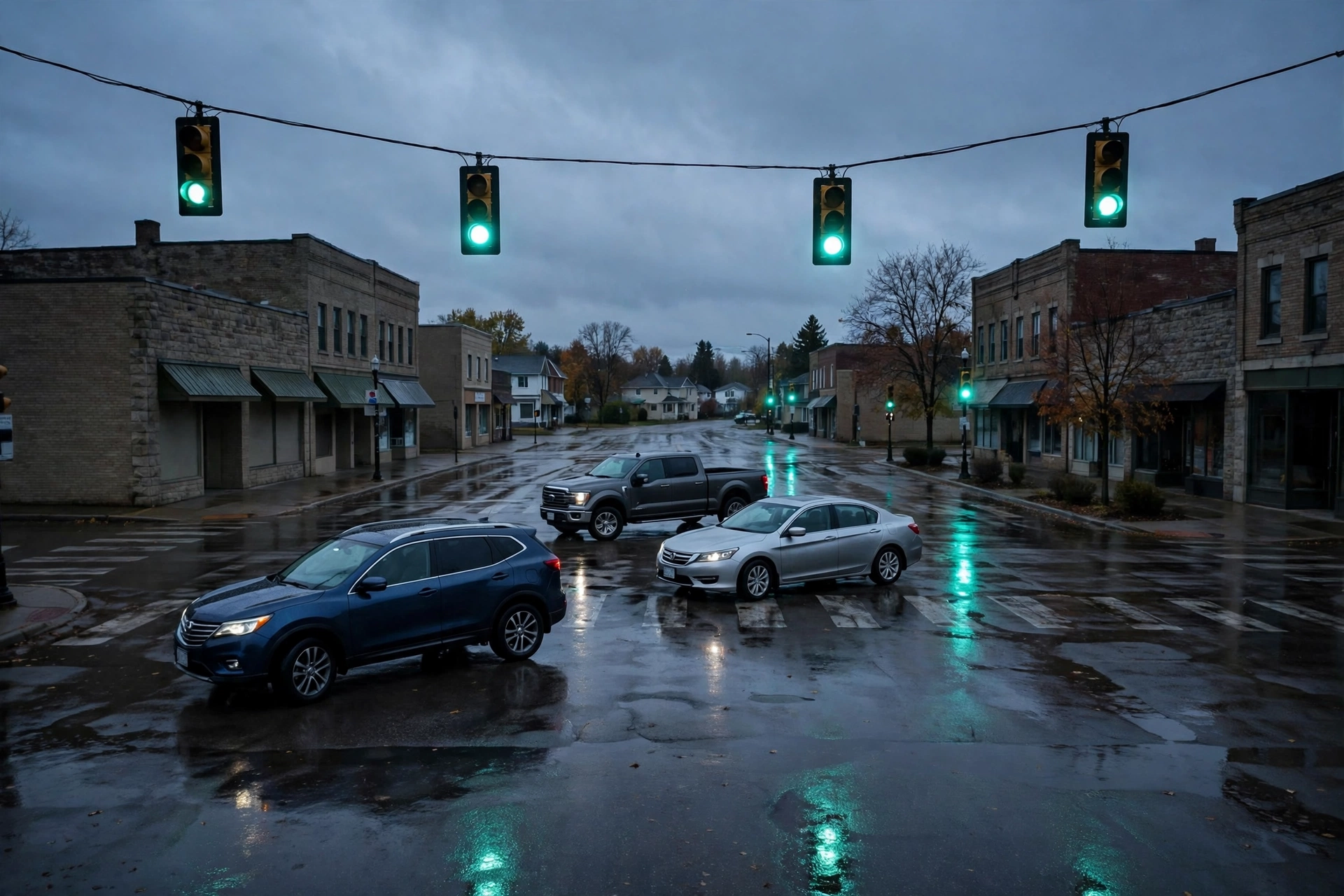
STONEBRIDGE, Ont. — November 14, 2026 — Forty-one intersections. One green light each, in every direction, at the same time. That was the morning rush hour in Stonebridge on Friday, after someone reached into the town’s traffic-control system overnight and rewrote the timing for every signal at once. Drivers coming from the north saw green. Drivers coming from the east saw green. Nobody saw red, and nobody had been told.
Stonebridge is a fictional Ontario town of about 22,000 people, and its traffic lights are run from a single control system in the town works yard. The system lets engineers change signal timings from a desk instead of visiting each intersection. On Thursday night, that desk became the way in. The town says an outside account — one belonging to the fictional contractor that maintains the signals — was used to log in, change the timing plans, and set every light in town to green in all directions. The first drivers to reach the intersections found four-way green at the busiest crossings in town.
Every light in town said go, in every direction, at the same time — and the morning rush drove straight into it.
Nobody was killed. Two people were taken to hospital with minor injuries after low-speed collisions at two intersections, and the town’s police say they counted nine near-misses before officers were posted at the worst crossings. By 8:30 a.m., officers were directing traffic by hand at the main intersections, and the lights were switched off entirely. The town says it took most of the day to check each controller and put the signals back on their normal timings, one intersection at a time.
“We have stop signs, and we have police officers, and both of those still work,” said Dana Mercer, the fictional town’s public works director. “But a town of twenty-two thousand people cannot run its morning on hand signals. Parents were trying to get their children to school. Buses were trying to get through. For three hours, the system every driver in this town trusts without thinking about it was telling them all to go at once.”
The town says the contractor’s account had a password that had not been changed in years, and the login did not ask for a second check. Once inside, the intruder did not need to know anything about traffic engineering. The control software presents every intersection as a simple list, and changing the timing is a matter of typing a number and pressing save. The town says it has found no evidence that anyone tried to steal data or demand payment. The signals were the target.
The attack did not touch a single car. It did not need to. It changed what the lights said, and the drivers did the rest.
A traffic light is one of the few pieces of technology people obey without thinking. Nobody checks whether the green light is correct. They see green, they go. That is what makes a signal system so powerful — and so dangerous when it is wrong. Stonebridge’s lights were not broken. They were doing exactly what the system told them to do. The system was simply taking orders from the wrong person.
“People picture a cyberattack as a stolen password or a locked computer,” said Dr. Priya Sandhu, a fictional researcher who studies how towns run their connected infrastructure. “But the attacks that scare me most are the ones that change what a trusted system says. A traffic light, a water reading, a train signal — these are systems people follow without a second thought. Change the instruction, and ordinary people do the dangerous thing for you, in good faith, at full speed.”
In this fictional case, the town says the contractor’s remote access has been shut off, every account password has been reset, and the signal system is now cut off from the internet entirely. Engineers will have to visit each controller in person to change timings, the way they used to. The town says it is also reviewing every other system the contractor could reach from the same login.
The defence is not a sharper eye for suspicious emails. It is making sure one old password cannot rewrite what a whole town is told to do.
That advice applies well beyond one town’s traffic lights. Across Canada, small towns run water plants, street lights, and building controls on systems installed years ago, often maintained by a contractor with a single shared login. Those systems were built to be convenient, not to be defended. When one of them takes orders from the wrong person, the consequences arrive at rush hour, in the rain, at forty kilometres an hour.
Lessons Learnt
- Give remote access a second check, and an expiry date. Any account that can change a real-world system from outside should need more than a password — and a contractor’s access should switch off automatically when the job ends.
- Change shared passwords on a schedule, not after an incident. A password that has not changed in years is a password that has had years to leak. Rotate them, and keep a record of who holds each one.
- Keep the control system off the open internet. If the signals can be reached from anywhere, they can be reached by anyone. Put them on a separate network, and make changes from inside it.
- Plan for the day the lights are wrong. Decide now who posts officers, who switches the signals off, and who tells drivers what is happening. The first time you make that plan should not be in the middle of rush hour.
The fictional town says its signals are back on their normal timings, and the two people taken to hospital have been released. The lights are green and red again, in the right order. The morning they were all green at once is the part the town will not forget.
Watching the perimeter — and what slips past it.
ODTN News note: ODTN.News is a fictional news platform set within the Operation: Defend the North universe. All names, organizations, quotes, and events in this article are entirely fictitious. Any resemblance to real people, companies, or incidents is purely coincidental. The cybersecurity challenges it represents are very real.





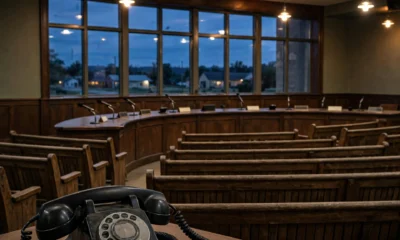


HOLLOWBROOK, Ont. — November 11, 2026 — The furnace had been silent for six hours before anyone in the house noticed. By the time Ruth Calloway woke to a cold bedroom in the middle of the night, the thermostat on her hallway wall was dark, the radiators were cold, and the temperature inside her house had fallen to 9 degrees. Outside, it was minus 14.
Calloway is one of more than four hundred Ontario homeowners whose smart thermostats stopped working overnight after a fake firmware update swept through the province. The update arrived as a push notification from what appeared to be the thermostat’s own app, warning that a critical security patch had to be installed before morning. Homeowners who tapped “Install now” watched their screens go black — and their heating never came back.
More than four hundred homes lost their heat in a single night — because a notification looked official.
The message was timed for the first hard freeze of the season. It carried the familiar logo, the familiar wording, and a countdown timer warning that the update window would close at midnight. What it actually installed was not a patch at all. It locked the thermostat’s controls, cut the device off from the home’s furnace, and left owners unable to restart the heat from the wall unit, the app, or the web portal.
“I tapped it because it told me not to wait,” Calloway said. “It said the update was required, it said my furnace would be unprotected if I skipped it, and it had a timer running. I thought I was doing the responsible thing. Then the screen went black, the house went cold, and I was standing in my kitchen at three in the morning in a winter coat, calling a number that did not exist.”
The fictional thermostat maker, Emberline Climate, says its real app never pushes firmware updates with a countdown timer, and never asks customers to install a patch from a notification link. But the copycat message arrived at the worst possible hour, on the coldest night of the autumn so far, when a warning about the heating system was the one message no homeowner wanted to ignore.
The attack did not need to break into a single home. It only needed one tap, at the exact hour people trust their heating the most.
Smart-home devices are a soft target precisely because they guard something physical. A thermostat is not just an app on a phone — it is the switch for the heat, the pipes, and the house itself. Owners rarely question a message from it, because the device is already inside their home and already trusted. And on a freezing night, a countdown timer does the attacker’s work for them: it turns caution into a race against the clock.
“Attackers don’t need to hack the furnace. They need to hack the moment,” said Lena Moreau, a fictional smart-home security researcher who studies connected heating systems. “A thermostat update at noon in October is a nuisance. The same message at 11 p.m. on a minus-14 night is an emergency — and people do not fact-check emergencies. The device didn’t have to be convincing. The weather did that for them.”
In this fictional case, the fake update stayed live for two days before it was taken down. Emberline Climate says it has since pushed a genuine update that restores affected thermostats, set up a phone line for homeowners whose heating is still offline, and is warning customers to install updates only from inside the app itself — never from a notification, a text, or an email link. It has not said how many homes are still without heat, or whether any pipes burst while the thermostats were down.
The fictional homeowners say they have since changed how they treat their smart-home devices. Automatic updates are on, so no patch ever arrives as a surprise message. No update is ever installed from a notification. And any warning about the heating is checked by opening the app directly — the same way, every time.
The defence is not a sharper eye for fake updates. It is never installing one from a message at all.
That advice applies well beyond one cold night. Across Canada, millions of homes now run their heat, their locks, and their lights through a phone — and a copycat message needs only a well-timed warning to stand beside the real thing. The defence is not a cleverer notification filter. It is a habit of opening the app yourself, and of treating any update link in a message as untrusted until the maker confirms it.
For homeowners, the checklist is short: turn on automatic updates so patches arrive silently and on schedule; never install a firmware update from a notification, a text, or an email link; and if a message says your heating is at risk, check the app by opening it yourself. For device makers, it is equally simple: never push updates with countdown timers, publish the real update path everywhere, and take copycat messages down the same day they appear.
The fictional homeowners say the copycat update has been taken down, and the real Emberline Climate app is unchanged.
The furnaces were never broken. The thermostats were never theirs. And the difference — one update, installed from inside the app instead of tapped from a message — was all it took.
Watching the perimeter — and what slips past it.
ODTN News note: ODTN.News is a fictional news platform set within the Operation: Defend the North universe. All names, organizations, quotes, and events in this article are entirely fictitious. Any resemblance to real people, companies, or incidents is purely coincidental. The cybersecurity challenges it represents are very real.
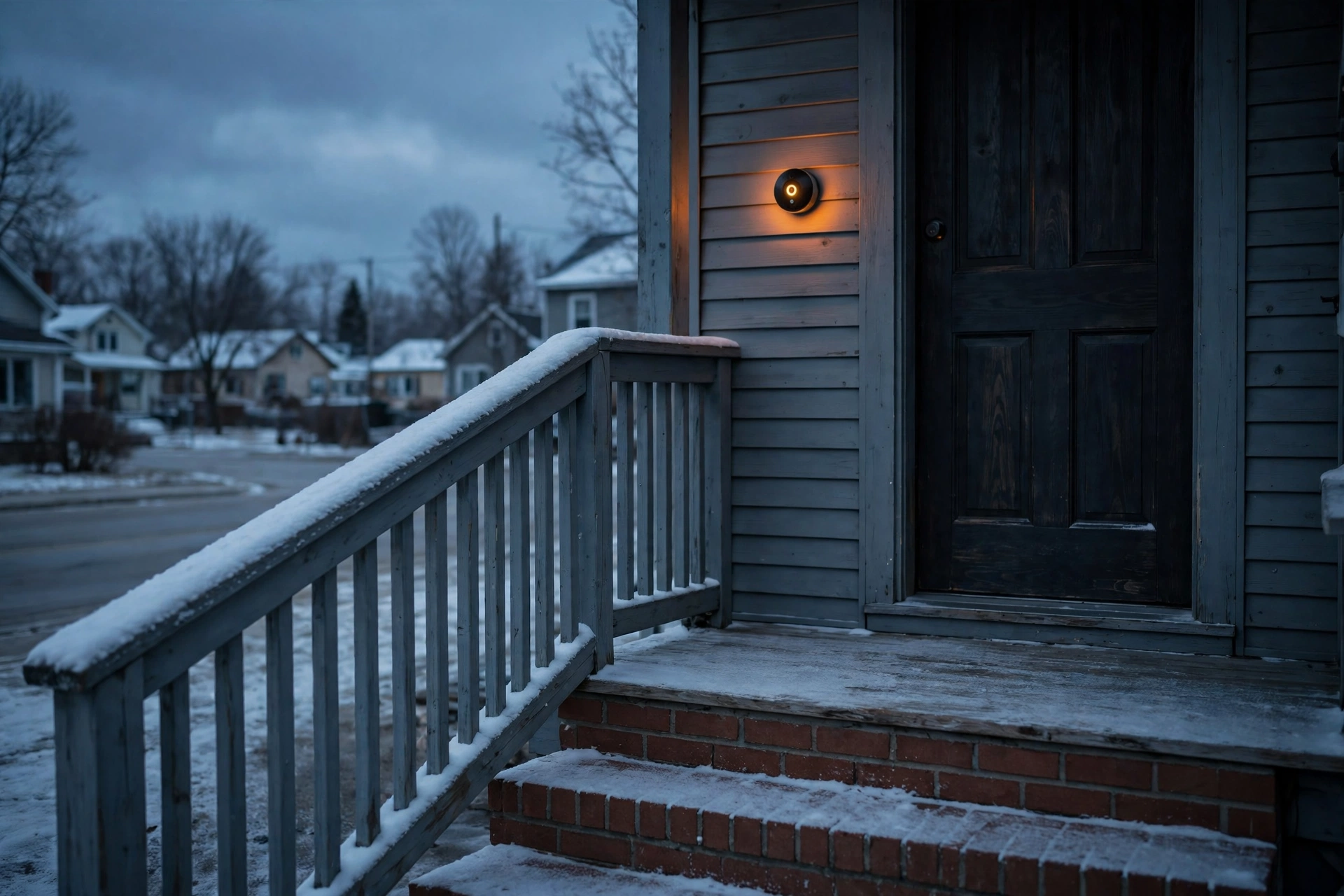
COBOURG, Ont. — November 6, 2026 — At 2:14 on a Tuesday morning, a motion alert lit up Miriam Kessler’s phone. The camera showed her own front porch — and a man she had never met, standing in her driveway in the dark, waving at the lens. He was not outside her house. He was watching it from a kitchen in another province, through an account that was never supposed to exist.
Kessler is one of an estimated 3,100 Ontario homeowners whose fictional NorthPorch video doorbells quietly began sharing their live feeds with strangers last month. A software update to the company’s “community watch” feature reset sharing settings on thousands of devices, listing private front-door cameras on a public directory anyone could browse. The doorbells kept working exactly as their owners expected. They were simply no longer private.
The feed had not been hacked in the usual sense. No password was guessed and no account was broken into. The update changed a default, and the default did the rest. Homeowners who had bought the doorbell for the comfort of seeing who was at the door were, without knowing it, letting anyone with the directory link see the same thing — who came and went, when the house was empty, when the kids got home from school.
The doorbell was never breached. Its privacy setting was switched off by an update.
According to the fictional homeowners who spoke to ODTN News, the first sign of trouble was small and strange. A neighbour mentioned seeing a delivery on Kessler’s porch before she had. Another homeowner, Tom Okafor of Cobourg, was told by a friend in another city that his dog had been barking at the mail carrier — a detail the friend could only have known by watching Okafor’s feed. When Okafor opened his doorbell app, the sharing screen showed a toggle he had never turned on, labelled “community watch,” set to public.
“I bought a camera so I could see my own front step,” said Okafor. “I did not buy a camera so the internet could see my front step. The app never asked me. It never even told me. One morning my doorbell was mine, and the next morning it belonged to a directory.”
A front-door camera does not just record a porch. It records a routine.
IoT security advisors say doorbell cameras are attractive precisely because they are always on, always pointed at the same place, and trusted without a second thought. A porch feed is a schedule: when the house wakes up, when it empties, when the children come home, when a parcel sits waiting. That is the information a burglar used to have to gather by watching a street for days. A public directory hands it over in a list, searchable by town.
“A doorbell is the most honest sensor in a home,” said Lena Moreau, a fictional IoT security advisor who works with homeowners on connected devices. “It never lies about whether anyone is home. That is why it is valuable to its owner — and why it is valuable to anyone else who can see it. The moment a feed becomes public, the house stops being a private place and starts being a broadcast.”
In this fictional case, the feeds stayed public for eleven days before the company pulled the directory offline. NorthPorch, the fictional maker, told homeowners the sharing had been an error in the update, that no recordings were stored by the directory, and that the feeds are private again. The company has not said how many strangers viewed the feeds while they were listed, or whether any of the viewers saved what they saw.
The fictional homeowners say they have since changed how they treat every connected device in the house. Doorbell and camera apps are now checked after every update, sharing and “community” features are turned off unless they are deliberately wanted, and accounts carry unique passwords with two-factor authentication. Several households have put their doorbells on a separate home network from their computers and phones, so a camera can never be a door into anything else.
The fix, experts say, is a habit, not a purchase: check the settings after every update.
That advice applies well beyond one doorbell. Across Canada, homes now run on dozens of connected devices — cameras, locks, thermostats, speakers — and each one ships with defaults chosen by a company, not by the household. An update can change those defaults overnight, and the device will keep working perfectly while its privacy quietly changes underneath it.
For homeowners, the checklist is short: after every app or firmware update, open the privacy and sharing settings and confirm nothing has changed; turn off sharing, community, and public-directory features unless you switched them on yourself; use a unique password and two-factor authentication on every camera account; and put cameras and smart devices on a separate home network where possible. For makers, it is equally simple: never change a privacy default in an update, ask before sharing anything, and say plainly what a feature does before it is switched on.
The fictional homeowners say the directory has been taken down, and their doorbells are private again.
The porches were never broken into. They were simply put on display. And the difference — one settings screen, checked after the update — was all it took.
Watching the perimeter — and what slips past it.
ODTN News note: ODTN.News is a fictional news platform set within the Operation: Defend the North universe. All names, organizations, quotes, and events in this article are entirely fictitious. Any resemblance to real people, companies, or incidents is purely coincidental. The cybersecurity challenges it represents are very real.
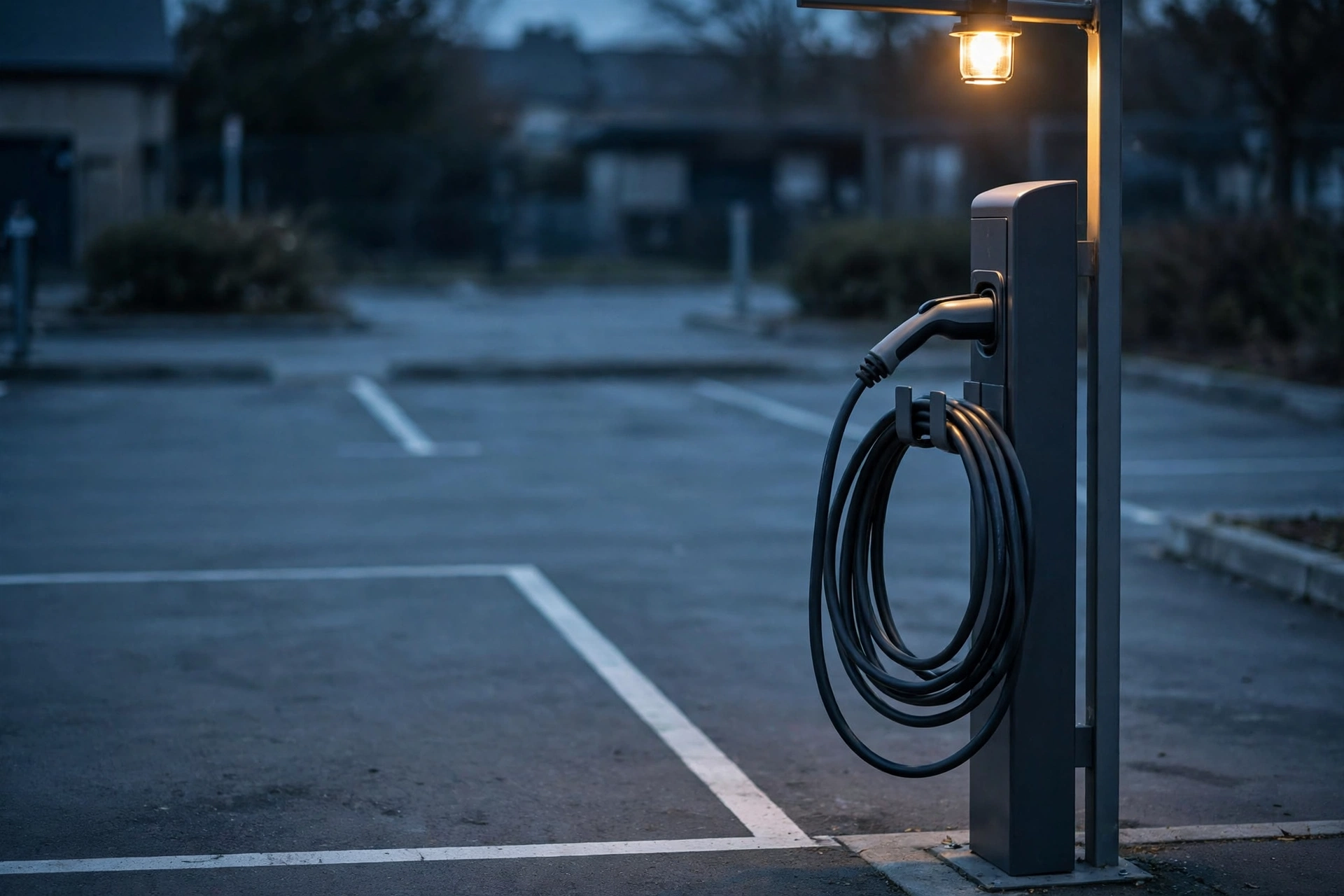
KINGSTON, Ont. — November 3, 2026 — The charger worked, the car charged, and the app looked exactly right. When drivers at a fictional Kingston charging station opened their statements days later, they found charges they had never made — for sessions they had never started, at stations they had never visited. The charger had not overcharged them. The app they had used to start it was never the charger’s app at all.
The problem was not in the charging station itself. It was in the app drivers found first: a copy of the fictional charging network’s app, listed in app stores under a nearly identical name, with the same colours, the same logo shape, and the same start-charging button. Drivers who searched for the network’s name, tapped the first convincing result, and signed in handed over their payment card, their email address, and their car’s location history before the first kilowatt ever flowed.
The session had not been overbilled. It had never been booked through the real app.
According to the fictional network’s account, the pattern emerged only when several drivers compared statements. They had all charged at different stations around Kingston, but the extra charges shared a pattern — small, regular amounts, taken days after the real charging session, from a payment profile none of them remembered creating. Staff traced the complaints back to a single step the drivers had in common: they had all downloaded the app in a hurry, standing beside the charger, rather than from the network’s own website or a link printed on the station.
“We tell drivers to plug in and go, and that is exactly what they did,” said Ellen Voss, the fictional charging network’s operations lead. “Nobody expects to have to inspect an app the way you would inspect a card reader. But someone built a copy of our front door, put it at the top of the search results, and collected the keys as drivers walked in.”
Copycat apps are a quiet, growing target for payment fraud.
Technology and payments advisors say charging apps are attractive precisely because they are used in a hurry, outdoors, and under pressure to get moving. A driver low on charge is not in a mood to check a developer name letter by letter, and a copycat app does not need to break into anything — it only needs to look familiar enough to be trusted with a card, and then to pass the driver through to a real charging session so nothing feels wrong.
“The app did exactly what it was designed to do. It started a charge,” said one payments-fraud advisor familiar with copycat app cases. “The attacker did not need to hack the charger or the car. They only needed to stand between the driver and the payment page, and let an honest top-up do the rest.”
In this fictional case, the damage was not a single dramatic theft. Individual cards were charged in amounts small enough to slip past a quick glance at a statement, and the network estimates several thousand dollars was taken in total before the copycat app was removed. For drivers, the loss was compounded by the extra exposure — card details, email addresses, and the location history of their cars, all handed to a stranger in the moment they were simply trying to get home.
The fictional network says it has since changed how drivers find its app. The real app’s name and developer are now printed on every charging station, with a QR code that links only to the network’s own site, and staff check app-store listings weekly for lookalikes, the way they check the stations themselves. Drivers who used the copycat app are being asked to remove it, change any password they reused, and check statements for small charges in the days after a charging session.
The fix, experts say, is deliberately unglamorous: get the app from the source, not the search result.
That advice applies well beyond one charging network. Across Canada, drivers, diners, travellers, and shoppers all download apps in the moment they need them — for parking, for food, for transit, for charging — and most app-store searches return a convincing copy alongside the real thing. The defence is not a cleverer app store. It is a habit of checking where the app came from before handing it a card.
For drivers, the checklist is short: download a charging app before you need it, from the network’s own website or the link printed on the station, check the developer name exactly, and be suspicious of an app that asks for a full card and location history before it has ever charged your car. For app publishers, it is equally simple: print the exact app name and developer on the hardware itself, monitor app stores for lookalikes, and give customers a simple way to report a copy.
The fictional network says affected drivers are being refunded where a statement confirms an unauthorised charge, and the copycat listings have been reported for removal.
The car charged as normal. The app that started it was never the network’s. And the difference — one developer name, checked before the card was entered — was all it took.
Watching the perimeter — and what slips past it.
ODTN News note: ODTN.News is a fictional news platform set within the Operation: Defend the North universe. All names, organizations, quotes, and events in this article are entirely fictitious. Any resemblance to real people, companies, or incidents is purely coincidental. The cybersecurity challenges it represents are very real.


Strangers Online Chose Where the Hospital Goes

Every Traffic Light in Town Turned Green at Once

Four Hundred Paycheques Never Arrived on Friday

Reddit Thread Over ‘Inventory Drift’ Surges as Canadians Vent Over Retail Glitches

Are Canadian Companies Learning from Global Cyber Attacks? Insider Insights into the Secret Downfall of Canadian Businesses

Canadian Airline NorthSky Faces Cyberattack, Disrupting Online Services


-
 Cybersecurity2 weeks ago
Tourists Scanned. Strangers Collected.
-

 Cybersecurity2 weeks ago
Winnipeg Distributor Loses Payment to Impostor Email
-
 Cybersecurity2 weeks ago
Regina Pharmacy Shut Out of Its Own Prescriptions
-
 Business2 weeks ago
Winter Cargo Vanishes on Paper Trail
-
 Cybersecurity2 weeks ago
Sudbury Boss’s Voice Calls From Another Phone
-
 Cybersecurity3 weeks ago
Nova Scotia Town Goes Dark Overnight
-
 Tech2 weeks ago
Charlottetown Vaccines Hang on a Glitch
-

 Politics1 week ago
Fredericton Council Meeting Streams From a Stranger’s Server