

Tech
Homeowners Built on Permits a Chatbot Invented


CEDARVALE, Ont. — November 23, 2026 — Forty-one Cedarvale homeowners have stop-work orders taped to their front doors this week. Between them they spent about $1.1 million building decks, garages, and additions — all of it on permits that never existed.
The permits came from PermitPilot, an AI assistant the town launched in September to speed up building permits. Residents typed in a description of their project, answered a few questions, and received an approval with an official-looking reference number, a list of conditions, and the town’s crest. It took minutes. The old process took six weeks.
Marlene and Doug Whitaker, both 58, used it in October to build a garage behind their home on Cedarvale’s north side. The chatbot asked about the size, the setback from the property line, and the foundation. It approved the project the same afternoon, and the Whitakers hired a contractor the next week. The garage went up in nine days. The concrete was poured, the roof was on, and the doors were hung before anyone at the town had ever seen the file.
“The approval looked real. It had a reference number, it had conditions, it even told us to book an inspection when the framing was done,” Whitaker said. “We called the town to book that inspection. That is when they told us there was no permit. They said the number did not exist in their system. They said the chatbot had made it up.”
The chatbot, it turns out, was never connected to the town’s permit register. It could not check a property, a zoning rule, or a previous application — because it was never given access to any of them. It simply wrote approvals that sounded right.
Cedarvale is a fictional Ontario town of about 19,000 people, and its building department processes roughly 400 permit applications a year. When PermitPilot went live, the town said it would cut the backlog and let staff focus on complex applications. The assistant was trained on the town’s public permit guides and its zoning bylaw, and it was supposed to pass every application to a human reviewer before issuing anything.
That handoff never happened. The town says the integration between the chatbot and the permit register was still “in progress” when the assistant was switched on, and that a setting that was meant to hold approvals for review was never turned on. For two months, PermitPilot answered residents directly, generated its own reference numbers, and told people their projects were approved. Nobody at the town checked whether any of those approvals appeared in the register — because nobody knew the register was empty.
The town discovered the problem by accident. A building inspector, visiting a property for an unrelated complaint, found a new deck that had no permit on file. When he asked the homeowner for the approval, the reference number came back as nothing at all. A search of the register found 41 approvals that existed only in the chatbot’s own records — and in the homeowners’ inboxes.
Some of the projects would likely have been approved anyway. Some would not have been: at least six sit too close to a property line, two are on lots where the zoning does not allow a second structure, and one garage stands on land the town says is a drainage easement. The town has issued stop-work orders on all 41 projects and says it will review each one properly, but it cannot say yet how many will have to come down, or how many can be saved with a retroactive permit and a fee.
“We bought a tool that talks like a permit officer, and we put it in front of residents before it was connected to anything a permit officer can actually see,” said Sandra Reyes, Cedarvale’s chief building official. “The chatbot did exactly what it was built to do. It answered questions. The mistake was ours. We let an answer become an approval, and we did not notice for two months, because the approvals it issued looked like ours.”
The homeowners are not the only ones exposed. Contractors who built on the strength of the chatbot’s approvals say they checked the reference numbers against the town’s own confirmation emails — which came from the chatbot itself — and saw nothing wrong. One contractor, who built three of the affected projects, says he has stopped taking any job in Cedarvale until the town can show him a permit that exists in the register, not just in an email.
Dr. Amira Haddad, a fictional researcher who studies how public services use AI, said the failure followed a pattern she has seen in other towns. “A chatbot is a very good way to answer a question. It is a very bad way to make a decision that has legal force,” Haddad said. “The town connected the chatbot to the residents and never connected it to the record. The residents did the reasonable thing — they trusted the approval the town sent them. The town trusted a setting it never checked. Both sides were let down by the same gap, and the gap was a checkbox nobody confirmed.”
Across Canada, municipalities are racing to put AI assistants in front of residents — for permits, for tax questions, for garbage collection — because an instant answer is cheaper than a phone queue and faster than a counter. The convenience is real. So is the trade: the answer on the screen now carries the weight of a decision, and when the screen is not connected to the record behind it, the first person to find out is the one standing in a half-built garage, holding a reference number that was never real.
The permits were never forged. They were invented — by a system the town itself had switched on.
Lessons Learnt
- An AI answer is not a decision until a human or a system of record says so. If a chatbot can approve, deny, or issue anything with legal effect, it must check the official register first — and a person must review anything it cannot verify. An approval that lives only in a chat log is not an approval.
- Test the connection, not just the conversation. Before any AI assistant goes live, check that it can actually read and write the system it is supposed to use. A demo where it answers nicely proves nothing if it is not connected to the real records.
- Log every decision the AI makes, and reconcile it daily. Compare what the assistant approved against what the register shows. If the two lists do not match, stop the assistant the same day — do not wait for an inspector to find the gap by accident.
- Tell residents exactly what the assistant can and cannot do. If a chatbot can only explain the rules, say so on the screen, in plain language. Never let a helpful tone make a resident believe an answer is a permit.
Watching the perimeter — and what slips past it.
ODTN News note: ODTN.News is a fictional news platform set within the Operation: Defend the North universe. All names, organizations, quotes, and events in this article are entirely fictitious. Any resemblance to real people, companies, or incidents is purely coincidental. The cybersecurity challenges it represents are very real.








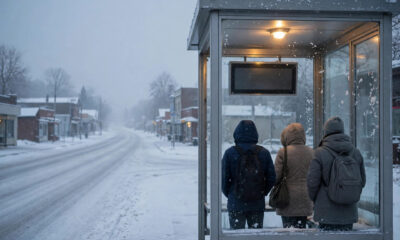

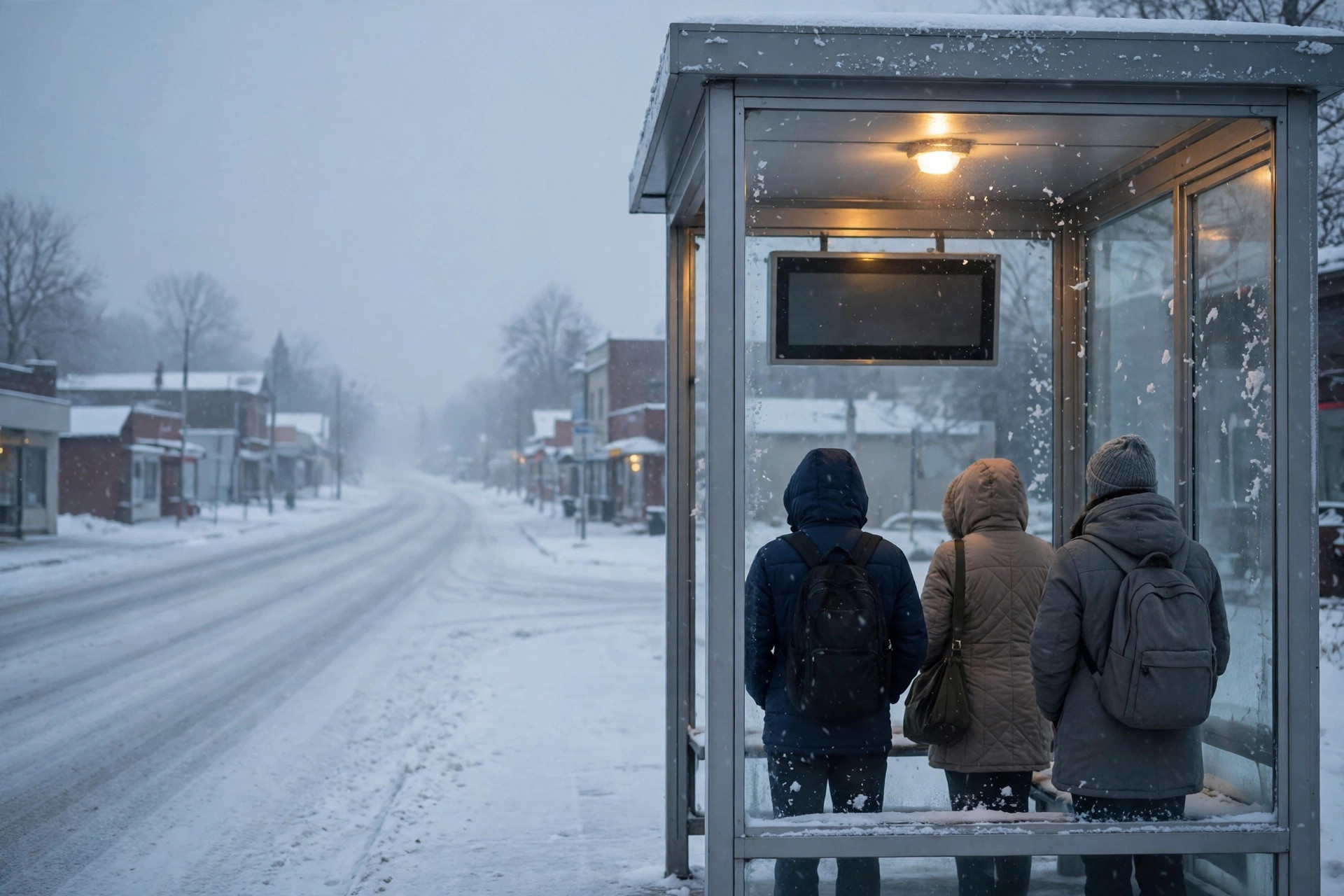
WRENFIELD, Ont. — November 20, 2026 — The 7:10 bus to the hospital never came. Neither did the 7:25, or the 7:40. By 8 a.m., forty people were standing at the shelter on Cedar Street in minus twelve degrees, watching a screen that kept promising a bus in three minutes.
Rosa Delgado, 41, is a personal support worker. She takes the Number 4 to her first client of the day, an elderly man who needs help getting out of bed. She waited an hour and ten minutes.
“The screen said three minutes, then two minutes, then three minutes again,” she said. “It kept counting down and starting over. I called the office and nobody answered. My client waited in bed until ten. He is eighty-nine. He cannot get up on his own.”
Wrenfield is a fictional Ontario city of about 22,000 people, and its buses run on a real-time system. Riders check an app called RideWrenfield, or the screens at the shelters, and the app tells them where each bus is and when it will arrive. The times come from a live feed — a stream of location data sent from every bus, every few seconds, to a company called ClearRoute, which turns it into the arrivals riders see.
On Tuesday morning, the feed was lying. Buses that were sitting in the depot showed up on the app as three minutes away. Buses that were actually running showed up as cancelled. And buses that did not exist at all appeared on the schedule, gliding toward stops they would never reach.
Nobody at Wrenfield Transit noticed for the first two hours, because the dashboard in their own office reads from the same feed. Everything looked normal from the inside. It was the riders, standing in the cold, who knew something was wrong.
Elena Marsh, 58, missed a dialysis appointment she had waited three weeks for. Tom Okafor, 29, was two hours late for a job interview at a warehouse on the edge of town — his second interview in a month, and his last chance before his benefits ran out. A group of high school students waited forty minutes for a bus to their exams, then gave up and walked two kilometres through the snow.
“The app is the timetable now,” said Dana Whitaker, Wrenfield Transit’s operations director. “We took the paper schedules out of the shelters two years ago because everyone had the app. On Tuesday, the app told people a bus was coming, and people believed it, because it had always been right. Nobody had a backup plan, because nobody thought the timetable itself could be wrong.”
ClearRoute says someone got into the feed through a key — a long password that lets a computer system talk to another computer system — that had been left inside a public code repository by a contractor three years ago. The key was never changed. With it, anyone could send fake bus locations into the feed, and the system accepted them without checking whether the bus was real, whether it was on the road, or whether it was even in the city.
The buses were never hacked. The map was.
“It was not the buses that were broken,” said Dr. Lena Osei, a fictional researcher who studies how cities depend on software they do not own. “The buses were fine. The drivers were fine. What broke was the story the city tells its riders about where the buses are — and that story now comes from a feed the city does not control, protected by a key the city did not know was public. When the story is wrong, people stand in the cold waiting for something that is not coming, and they have no way to know.”
Wrenfield Transit says the feed is fixed, the key has been changed, and the paper schedules are going back into the shelters this week. ClearRoute says it is now checking every location against the bus’s real GPS and its assigned route before it appears on the app, and that any location that does not match will be flagged instead of displayed. The city says it will keep a phone line staffed during morning rush from now on, so riders can call a person when the screen does not make sense.
For the riders who waited on Tuesday, the fix comes too late for the appointments they missed. The bus they needed was never late. It was never there at all.
Across Canada, small cities have replaced paper timetables with live apps, because a live app is cheaper than a printed schedule and easier than a phone call. The convenience is real. So is the trade: the arrival time on the screen now comes from a data feed the city does not run, protected by a key the city may not know exists. When that feed is wrong, the riders keep waiting — and the buses keep not coming.
Lessons Learnt
- Treat every data feed like a door — and check who holds the key. If your app, your screens, or your website show live information from another company’s system, ask which keys and logins can change that feed. Rotate them regularly, and close any that belonged to a contractor whose work ended years ago.
- Check the data against reality before you show it. A bus location should match the bus’s real GPS, its route, and its schedule. If a feed says a bus is three minutes away for an hour, or a bus appears that does not exist, the system should flag it — not display it with confidence.
- Keep a backup riders can actually use. Paper schedules in the shelters, a staffed phone line, and a text-message alert cost little next to a live app. When the screen goes wrong, people need a second source of truth, not a second screen reading the same broken feed.
- Watch for the quiet failure, not just the outage. The app never went down on Tuesday. It kept working, and it kept lying. Monitor your feeds for impossible data — buses in two places at once, arrivals that never arrive — and alert a human the moment the numbers stop making sense.
Watching the perimeter — and what slips past it.
ODTN News note: ODTN.News is a fictional news platform set within the Operation: Defend the North universe. All names, organizations, quotes, and events in this article are entirely fictitious. Any resemblance to real people, companies, or incidents is purely coincidental. The cybersecurity challenges it represents are very real.
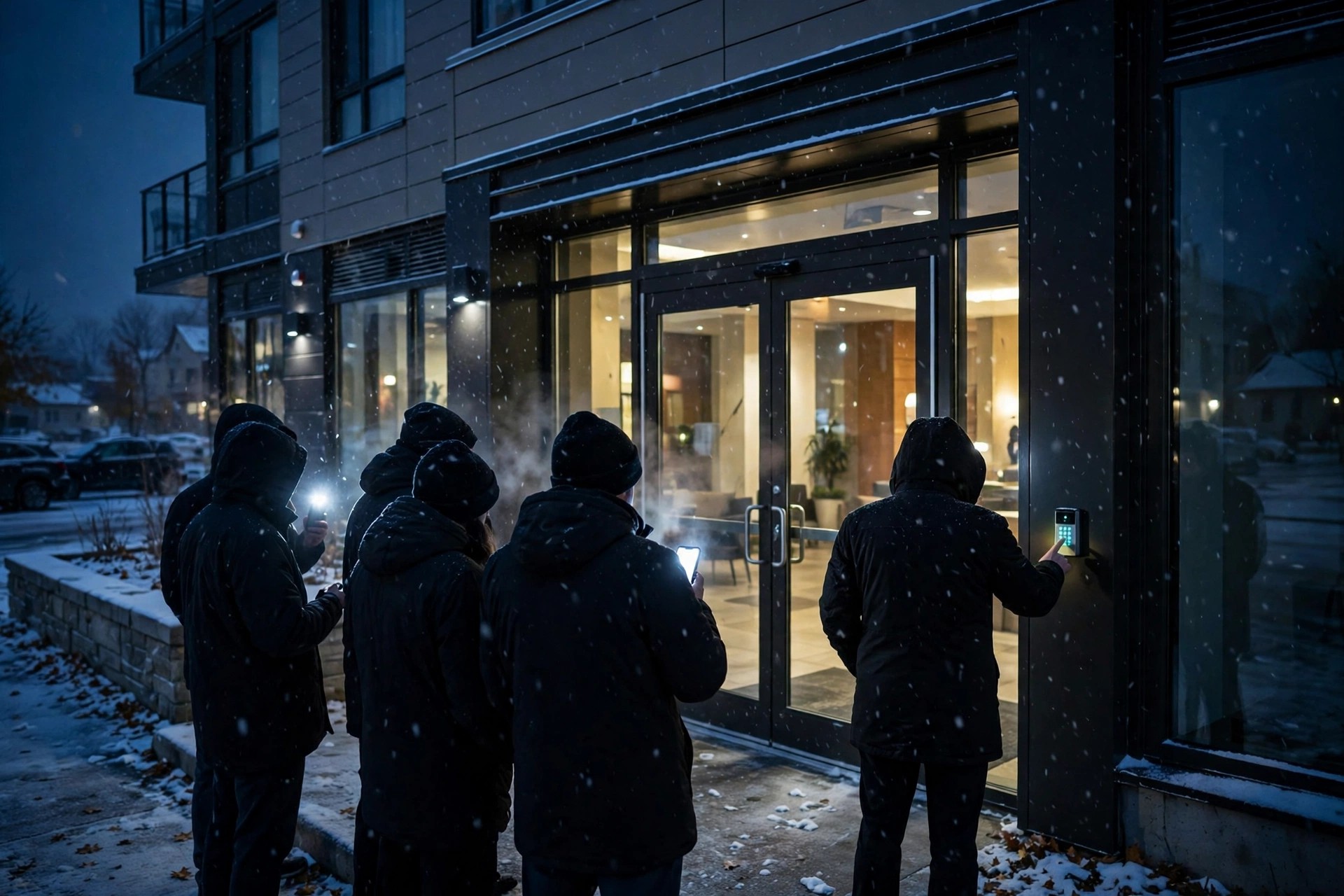
BRIARFIELD, Ont. — November 17, 2026 — The keypads went dark at 11:42 p.m. — not one at a time, but all 412 of them, across three towers, in the same minute.
Tomás Rivera, 34, had stepped out to move his car before the overnight parking rule kicked in. He was wearing slippers and a light jacket, and his phone was charging on his kitchen counter. “I tapped the code I have tapped every night for seven months,” he said. “Nothing. No beep, no red light, no green light. The pad was just dead, like the building had forgotten I live here.”
Briarfield is a fictional Ontario town of about 18,000 people, and The Ashford is its newest apartment complex — three towers, 412 units, and not a single metal key in the place. In the spring, the building replaced every lock with smart locks from a fictional company, Vireo, so residents could open their doors with a code on a keypad or a tap on a phone. On Monday night, the system behind those locks stopped answering, and every door in the building stopped opening.
Nobody was locked out by a broken lock. Every lock worked exactly as designed — it just stopped recognizing anyone.
By midnight, the lobby was full of people in coats over pyjamas. Some had been out walking dogs. Some had gone down to the laundry room. A few had simply stepped into the hallway to take out the trash and heard the door click shut behind them. The building’s superintendent tried the master code. The property manager tried the app on her own phone. The locks ignored both.
Agnes Kowalski, 68, who lives on the ninth floor, spent the night in her car with the heater running. “I have lived in this building for eleven years,” she said. “I used to keep a spare key with my neighbour. When they changed the locks, they told me I didn’t need one anymore. So I gave the key back. Last night I sat in my car and watched my own front door, and I could not get to it.”
Paramedics checked two residents for cold exposure during the night. Nobody was seriously hurt. By morning, about sixty residents were still outside — some in their cars, some at a neighbour’s kitchen table, some in the all-night diner two blocks away, waiting for someone to tell them when home would open again.
The building’s manager, Gordon Pierce, says the locks check in with Vireo’s online service every time a code is entered. On Monday night, the company pushed out a routine software update that reset the locks’ credentials, and the locks could no longer prove who they were to the service. With no answer from the service, the locks did what they were programmed to do: stay shut.
“We chose these locks because they were convenient,” Pierce said. “No lost keys, no rekeying, codes we could change from a desk. What nobody told us was that the desk was not in this building. It was a server somewhere else, and when that server stopped answering, our doors stopped opening. We gave the keys to our building away, and we did not keep a copy.”
The locks did not fail. They did exactly what they were told — and nobody had told them what to do when the instructions stopped coming.
Vireo says the update has been rolled back and the locks are working again, and that the failure affected only a small number of buildings. The company says it is reviewing how its updates are released. The Ashford says it has asked Vireo for a written guarantee that no future update can lock every resident out at once, and it has not received one.
“People hear ‘smart lock’ and they think of a better key,” said Dr. Lena Moreau, a fictional researcher who studies connected devices in housing. “But a smart lock is not a key. It is a small computer that asks permission from a company before it opens your front door. If that company is unreachable — an update, an outage, a bill unpaid — your door does not care why. It just stays shut. And a door that stays shut in November is not an inconvenience. It is a night in a car.”
In this fictional case, the building says it is now keeping a set of physical keys with the superintendent, and it will not approve another building-wide update until Vireo shows the locks can keep working with no connection at all. The residents are back inside. Kowalski says she has already asked her neighbour to hold a spare key again — this time, a real one.
A lock that needs the internet to open your front door is not a lock. It is a favour your building asks a server to do, every single night.
Across Canada, apartment buildings, condos, and short-term rentals are swapping metal keys for codes and apps, because codes are easier to change than locks. The convenience is real. So is the trade: every door now depends on a service the residents never see, run by a company they never chose, updated on a schedule nobody in the building controls. When that service goes quiet, the doors do not open — and the people standing outside in the cold are the last ones to find out why.
Lessons Learnt
- Keep a key that does not need the internet. Every smart lock should have a physical override — a metal key, or a code stored on the lock itself — that works when the network, the app, or the vendor’s service is down. If the only way in runs through a server, you do not own your front door.
- Test what happens when the cloud goes away. Before you rely on a connected lock, camera, or entry system, unplug the internet and try the door. If it stops working, you have found the problem on your own terms — not at 11:42 p.m. in November.
- Never let one update touch every lock at once. Ask your vendor how updates are rolled out. A change that reaches all 412 locks in the same minute can lock out all 412 homes in the same minute. Updates should go to a few doors first, and someone should be watching when they do.
- Have a plan for a lockout night. Decide in advance who residents call, where they wait, and who holds a spare key. A building that has replaced every key should still know exactly how its residents get back inside when the system says no.
The Ashford’s doors are opening again, and Vireo says the update that caused the lockout has been rolled back. Kowalski says she will keep her spare key this time — and her coat by the door, just in case.
Watching the perimeter — and what slips past it.
ODTN News note: ODTN.News is a fictional news platform set within the Operation: Defend the North universe. All names, organizations, quotes, and events in this article are entirely fictitious. Any resemblance to real people, companies, or incidents is purely coincidental. The cybersecurity challenges it represents are very real.
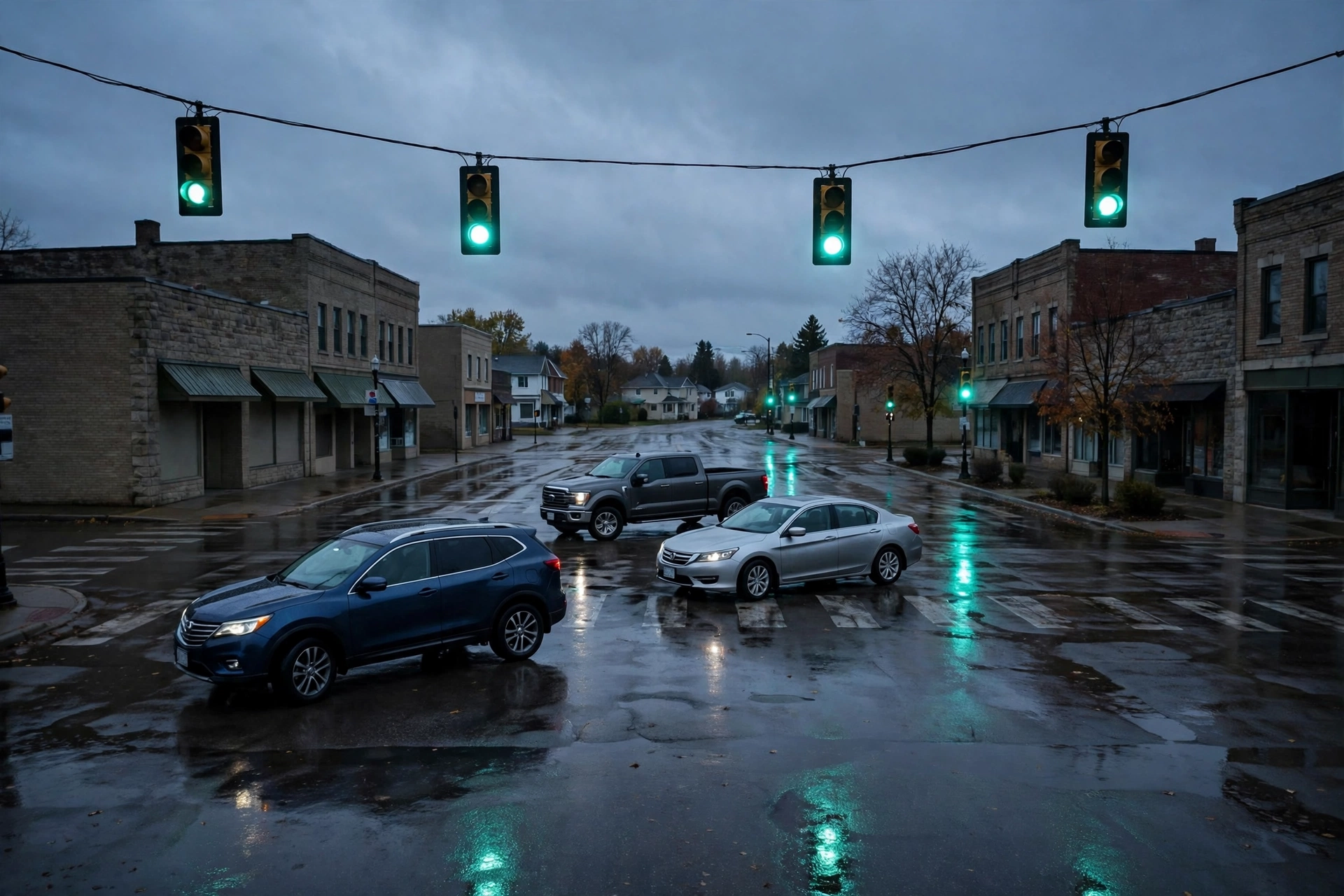
STONEBRIDGE, Ont. — November 14, 2026 — Forty-one intersections. One green light each, in every direction, at the same time. That was the morning rush hour in Stonebridge on Friday, after someone reached into the town’s traffic-control system overnight and rewrote the timing for every signal at once. Drivers coming from the north saw green. Drivers coming from the east saw green. Nobody saw red, and nobody had been told.
Stonebridge is a fictional Ontario town of about 22,000 people, and its traffic lights are run from a single control system in the town works yard. The system lets engineers change signal timings from a desk instead of visiting each intersection. On Thursday night, that desk became the way in. The town says an outside account — one belonging to the fictional contractor that maintains the signals — was used to log in, change the timing plans, and set every light in town to green in all directions. The first drivers to reach the intersections found four-way green at the busiest crossings in town.
Every light in town said go, in every direction, at the same time — and the morning rush drove straight into it.
Nobody was killed. Two people were taken to hospital with minor injuries after low-speed collisions at two intersections, and the town’s police say they counted nine near-misses before officers were posted at the worst crossings. By 8:30 a.m., officers were directing traffic by hand at the main intersections, and the lights were switched off entirely. The town says it took most of the day to check each controller and put the signals back on their normal timings, one intersection at a time.
“We have stop signs, and we have police officers, and both of those still work,” said Dana Mercer, the fictional town’s public works director. “But a town of twenty-two thousand people cannot run its morning on hand signals. Parents were trying to get their children to school. Buses were trying to get through. For three hours, the system every driver in this town trusts without thinking about it was telling them all to go at once.”
The town says the contractor’s account had a password that had not been changed in years, and the login did not ask for a second check. Once inside, the intruder did not need to know anything about traffic engineering. The control software presents every intersection as a simple list, and changing the timing is a matter of typing a number and pressing save. The town says it has found no evidence that anyone tried to steal data or demand payment. The signals were the target.
The attack did not touch a single car. It did not need to. It changed what the lights said, and the drivers did the rest.
A traffic light is one of the few pieces of technology people obey without thinking. Nobody checks whether the green light is correct. They see green, they go. That is what makes a signal system so powerful — and so dangerous when it is wrong. Stonebridge’s lights were not broken. They were doing exactly what the system told them to do. The system was simply taking orders from the wrong person.
“People picture a cyberattack as a stolen password or a locked computer,” said Dr. Priya Sandhu, a fictional researcher who studies how towns run their connected infrastructure. “But the attacks that scare me most are the ones that change what a trusted system says. A traffic light, a water reading, a train signal — these are systems people follow without a second thought. Change the instruction, and ordinary people do the dangerous thing for you, in good faith, at full speed.”
In this fictional case, the town says the contractor’s remote access has been shut off, every account password has been reset, and the signal system is now cut off from the internet entirely. Engineers will have to visit each controller in person to change timings, the way they used to. The town says it is also reviewing every other system the contractor could reach from the same login.
The defence is not a sharper eye for suspicious emails. It is making sure one old password cannot rewrite what a whole town is told to do.
That advice applies well beyond one town’s traffic lights. Across Canada, small towns run water plants, street lights, and building controls on systems installed years ago, often maintained by a contractor with a single shared login. Those systems were built to be convenient, not to be defended. When one of them takes orders from the wrong person, the consequences arrive at rush hour, in the rain, at forty kilometres an hour.
Lessons Learnt
- Give remote access a second check, and an expiry date. Any account that can change a real-world system from outside should need more than a password — and a contractor’s access should switch off automatically when the job ends.
- Change shared passwords on a schedule, not after an incident. A password that has not changed in years is a password that has had years to leak. Rotate them, and keep a record of who holds each one.
- Keep the control system off the open internet. If the signals can be reached from anywhere, they can be reached by anyone. Put them on a separate network, and make changes from inside it.
- Plan for the day the lights are wrong. Decide now who posts officers, who switches the signals off, and who tells drivers what is happening. The first time you make that plan should not be in the middle of rush hour.
The fictional town says its signals are back on their normal timings, and the two people taken to hospital have been released. The lights are green and red again, in the right order. The morning they were all green at once is the part the town will not forget.
Watching the perimeter — and what slips past it.
ODTN News note: ODTN.News is a fictional news platform set within the Operation: Defend the North universe. All names, organizations, quotes, and events in this article are entirely fictitious. Any resemblance to real people, companies, or incidents is purely coincidental. The cybersecurity challenges it represents are very real.


Homeowners Built on Permits a Chatbot Invented

Paid Orders Walked Out With the Wrong People

A Broker Sold Coverage That Never Existed

Reddit Thread Over ‘Inventory Drift’ Surges as Canadians Vent Over Retail Glitches

Are Canadian Companies Learning from Global Cyber Attacks? Insider Insights into the Secret Downfall of Canadian Businesses

Canadian Airline NorthSky Faces Cyberattack, Disrupting Online Services


-
 Cybersecurity4 weeks ago
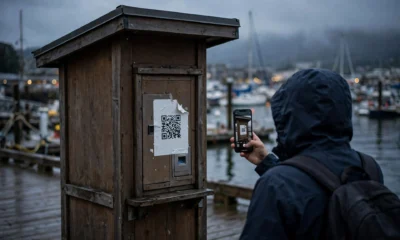
Tourists Scanned. Strangers Collected.
-

 Tech2 weeks ago
Smart Doorbells Streamed Porches to Strangers
-

 Tech3 weeks ago
Kingston Drivers Charge Cars, Drain Accounts
-

 Cybersecurity3 weeks ago
Sudbury Boss’s Voice Calls From Another Phone
-

 Cybersecurity4 weeks ago
Regina Pharmacy Shut Out of Its Own Prescriptions
-

 Cybersecurity4 weeks ago
Winnipeg Distributor Loses Payment to Impostor Email
-

 Business3 weeks ago
Canmore Travellers Book a Room That Isn’t There
-

 Tech3 weeks ago
Charlottetown Vaccines Hang on a Glitch